Capability 01
Admin and instructor dashboards
EduLearn Training Institute
EduLearn Training Institute’s programs were strong, but delivery was scattered across drives and inboxes. We put courses, enrollments, and assessments into one LMS rhythm.
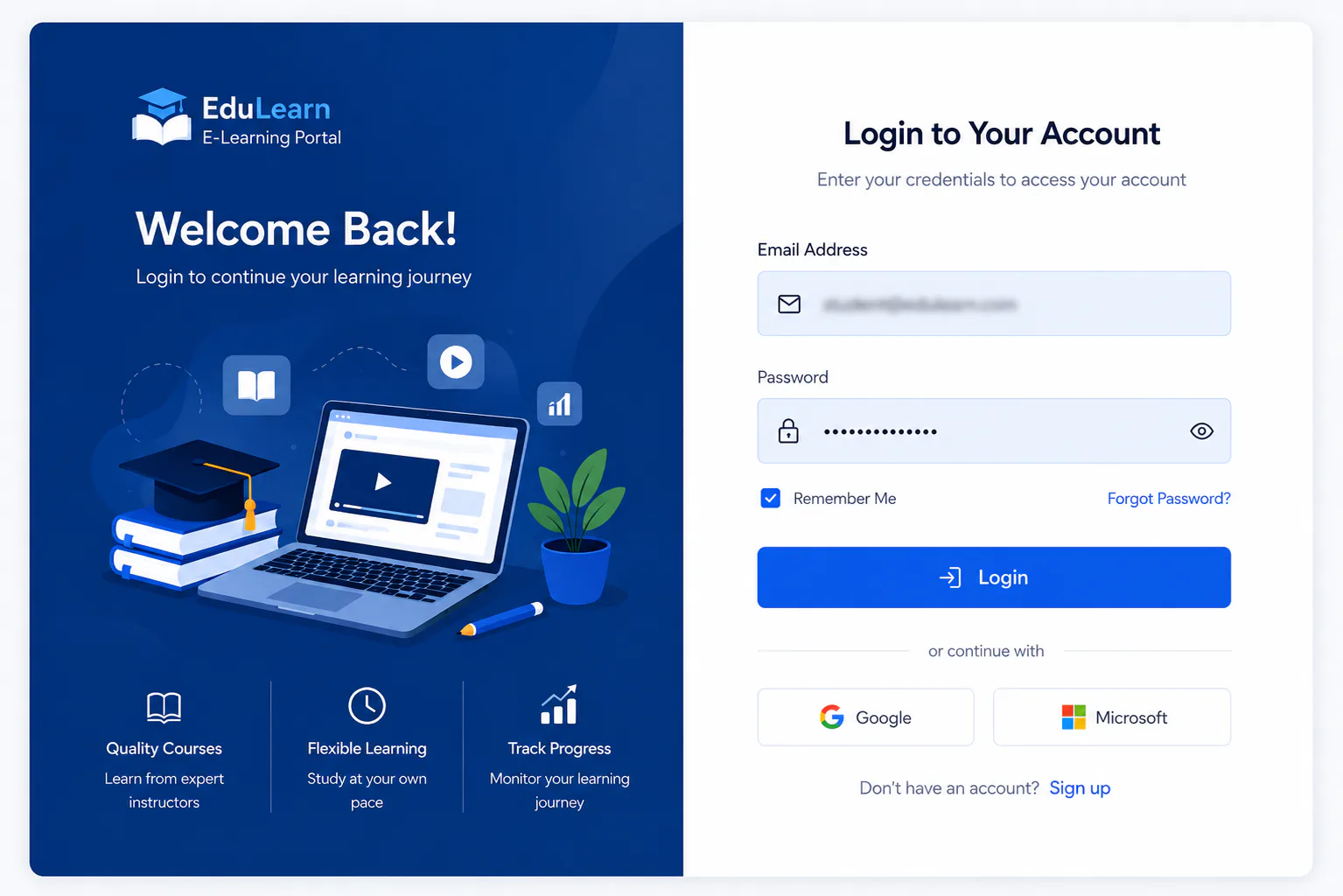
Secure sign in / login
Secure sign in for admins, instructors, and learners accessing the EduLearn portal.
Engagement
Instructors spent more time hunting materials than teaching. Admins could not see enrollment health without exporting sheets.
We built role aware dashboards: admins operate the catalog; instructors run lessons, assessments, and attendance.
Assignments and quizzes were designed as part of the course path, not bolted on forms.
EduLearn now runs cohorts from one portal, from enrollment to certificate ready completion tracking.
Challenge
EduLearn Training Institute’s programs were strong, but delivery was scattered across drives and inboxes. Instructors spent more time hunting materials than teaching. Admins could not see enrollment health without exporting sheets.
Course files, attendance lists, and quiz results lived apart. Learners got inconsistent experiences depending on which folder or email thread their cohort used. Progress reporting was a manual rebuild for every program.
Prior tools failed when instructors inherited admin complexity, or when assessments were bolted on forms disconnected from enrollment and attendance. Certificate readiness became a PDF exercise without honest completion data.
What was at stake was instructor time, learner consistency, and leadership visibility into training throughput. Scaling cohorts without a course centric LMS would multiply improvisation instead of reusable program structure.
EduLearn needed lessons, enrollments, assessments, and attendance hanging off the same course record, with clear admin catalog work and instructor delivery duties.
Approach
A course centric LMS: lessons, enrollments, assessments, and attendance hang off the same course record with clear admin and instructor duties.
Capabilities
Capability 01
Admin and instructor dashboards
Capability 02
Courses, categories, and lessons
Capability 03
Enrollments and attendance
Capability 04
Assignments and quizzes
Capability 05
User and role management
Capability 06
System settings and certificate ready operations
Stack
Results
Outcome 01
Instructors launch lessons without digging through shared drives
Outcome 02
Admins see enrollments and cohort health without spreadsheet exports
Outcome 03
Assessments live inside the course path learners already follow
Outcome 04
Attendance supports completion decisions instead of sitting in side lists
Outcome 05
New cohorts reuse a proven course structure
Outcome 06
Leadership gets consistent training throughput metrics
Insights
Screenshots
Interface snapshots from the live build. For full module documentation, see the E Learning Portal project page.
Secure sign in for admins, instructors, and learners accessing the EduLearn portal.
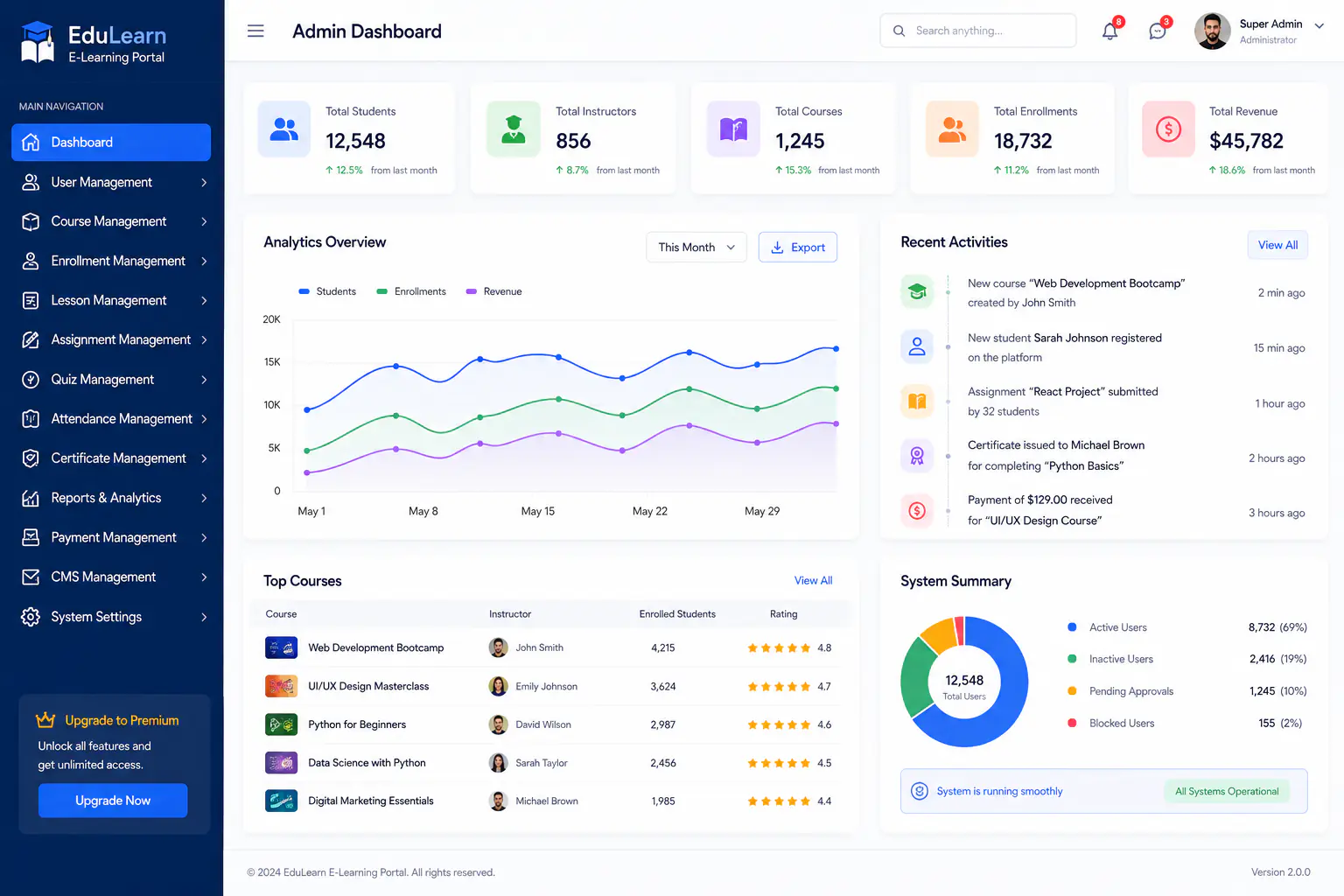
Admin overview of courses, enrollments, users, and learning activity across EduLearn.
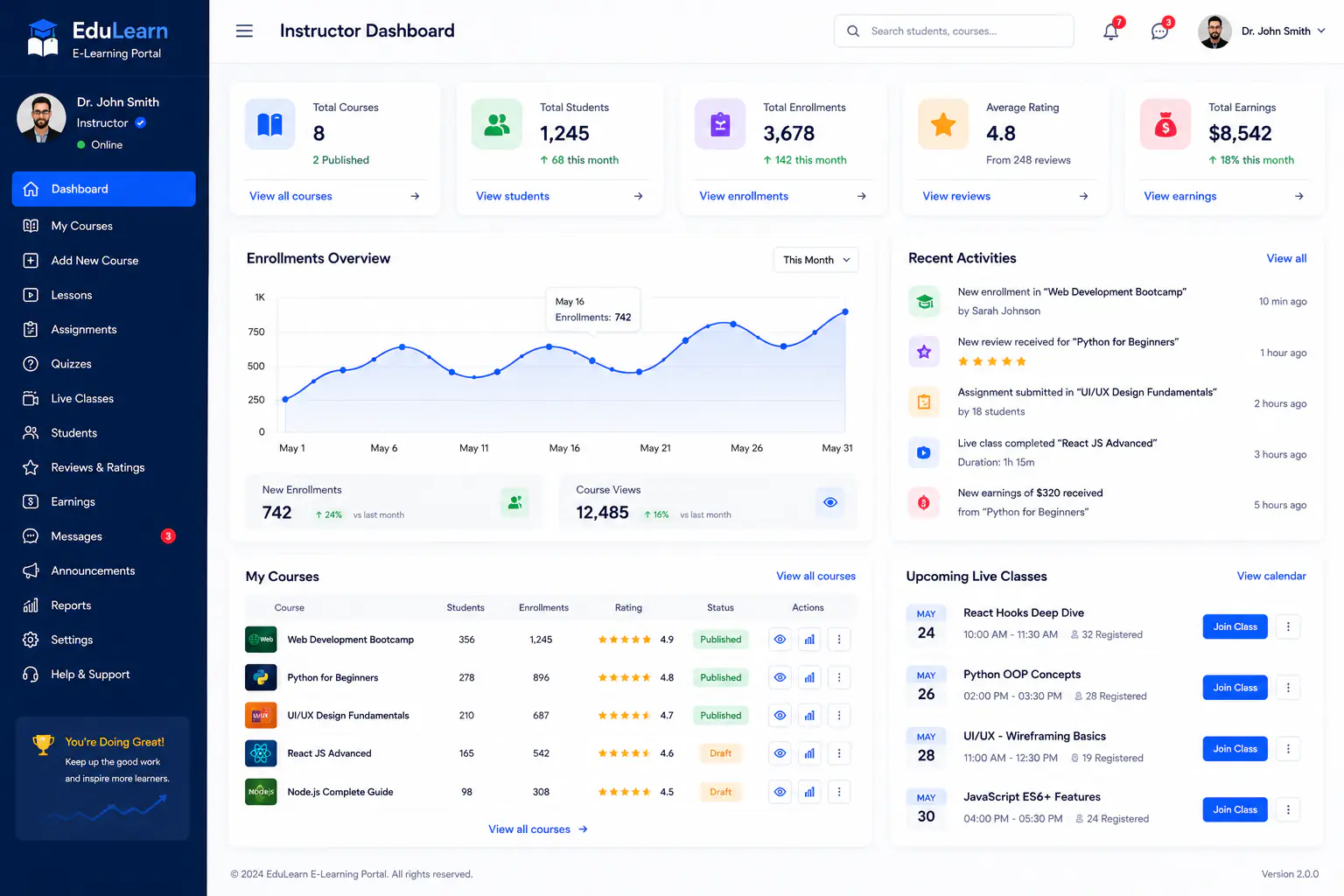
Instructor workspace for teaching load, course progress, and learner engagement.
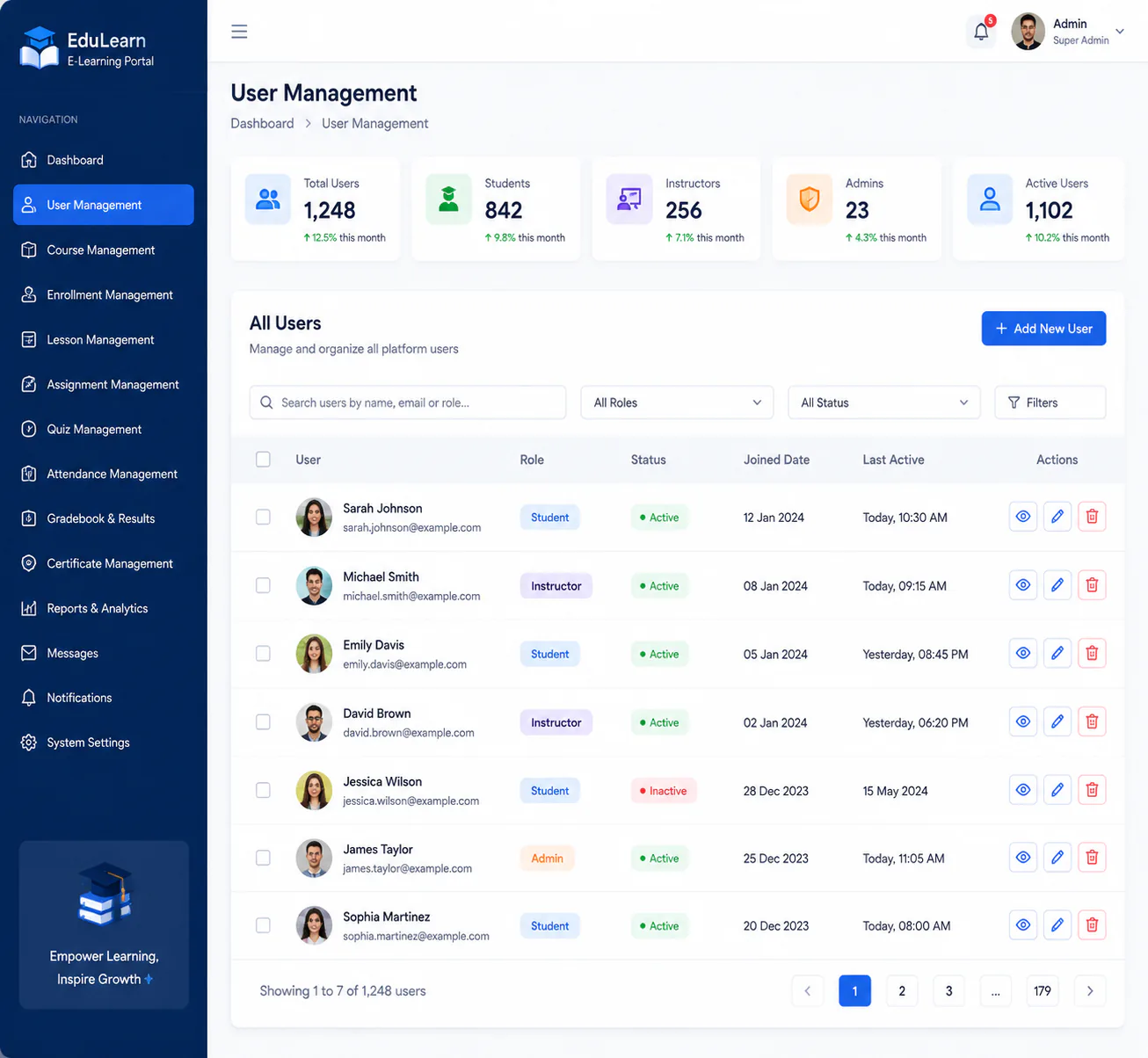
Manage learners, instructors, and admin roles with clear access controls.
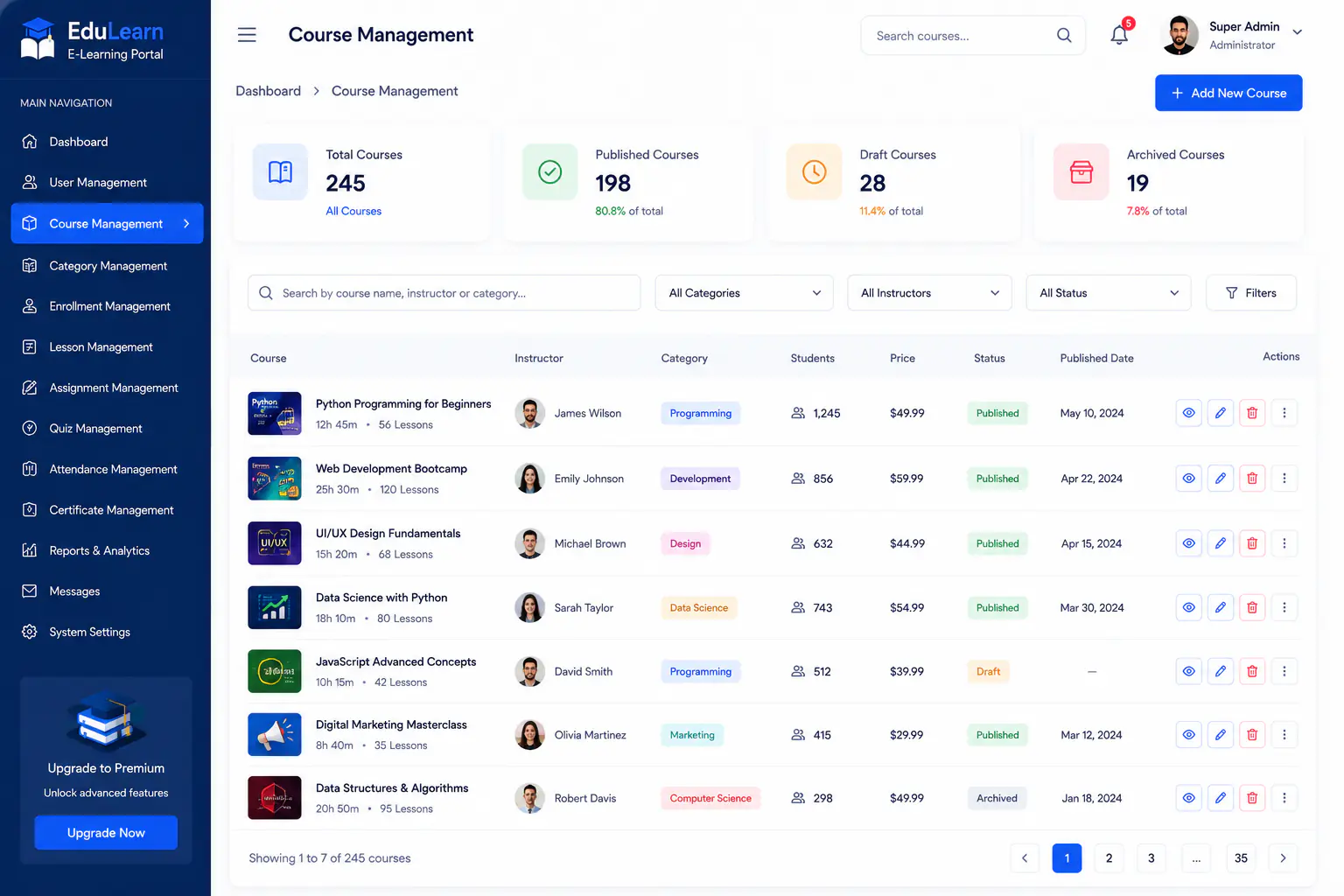
Create and organize courses with structure, status, and enrollment readiness.
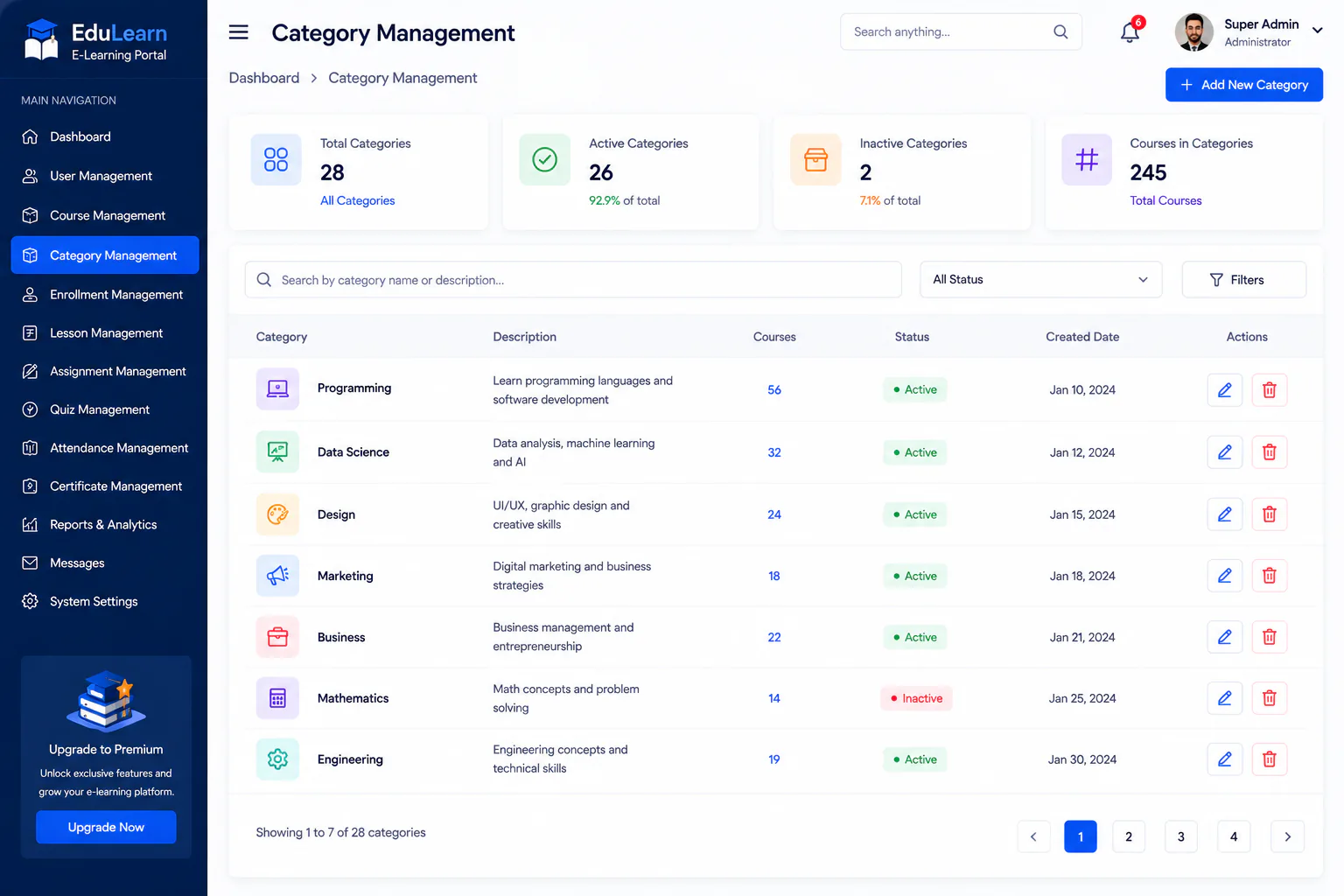
Group courses into categories so learners can browse and discover content faster.
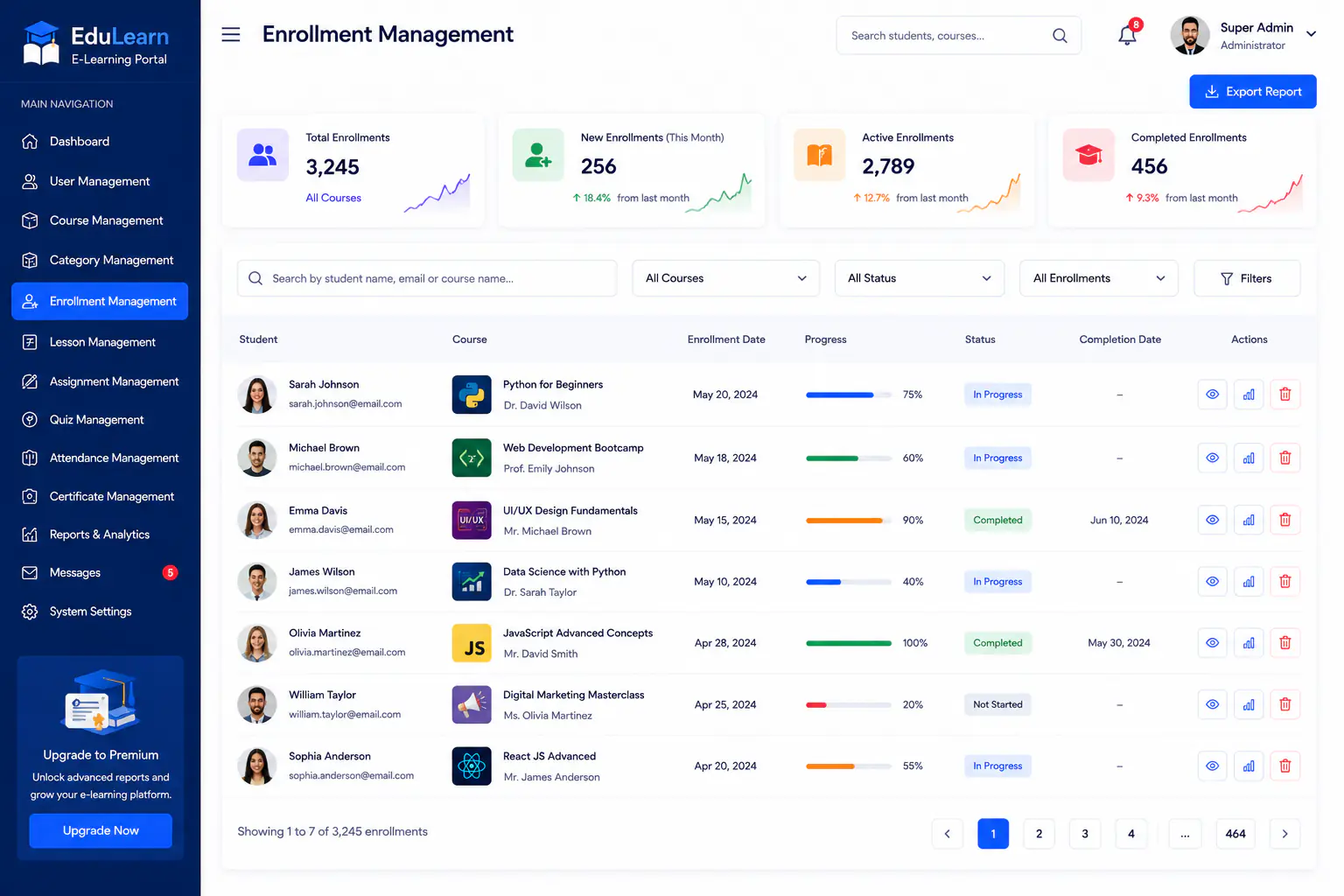
Track learner enrollments, status, and course access from one enrollment workspace.
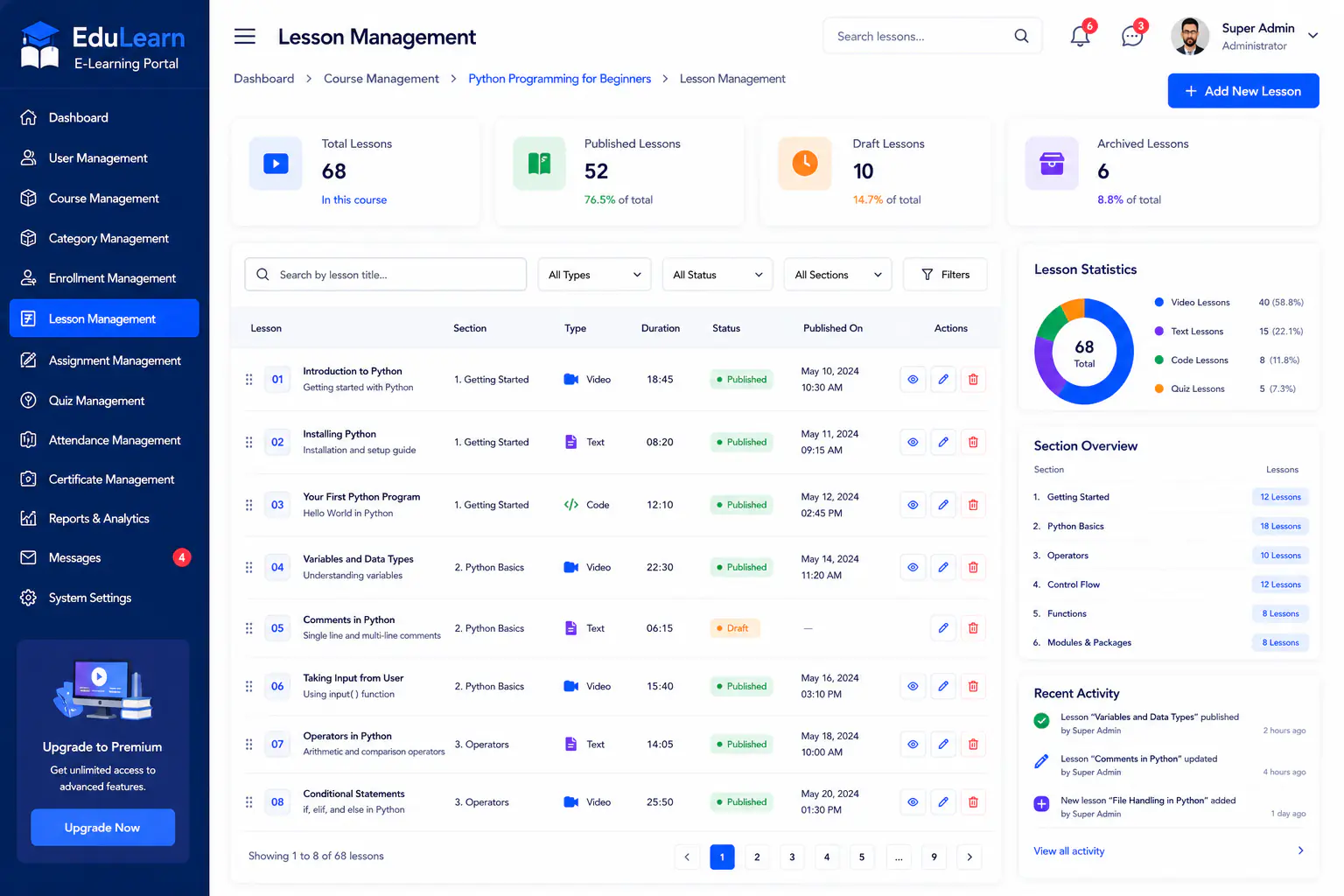
Build lessons and learning paths that instructors can publish inside each course.
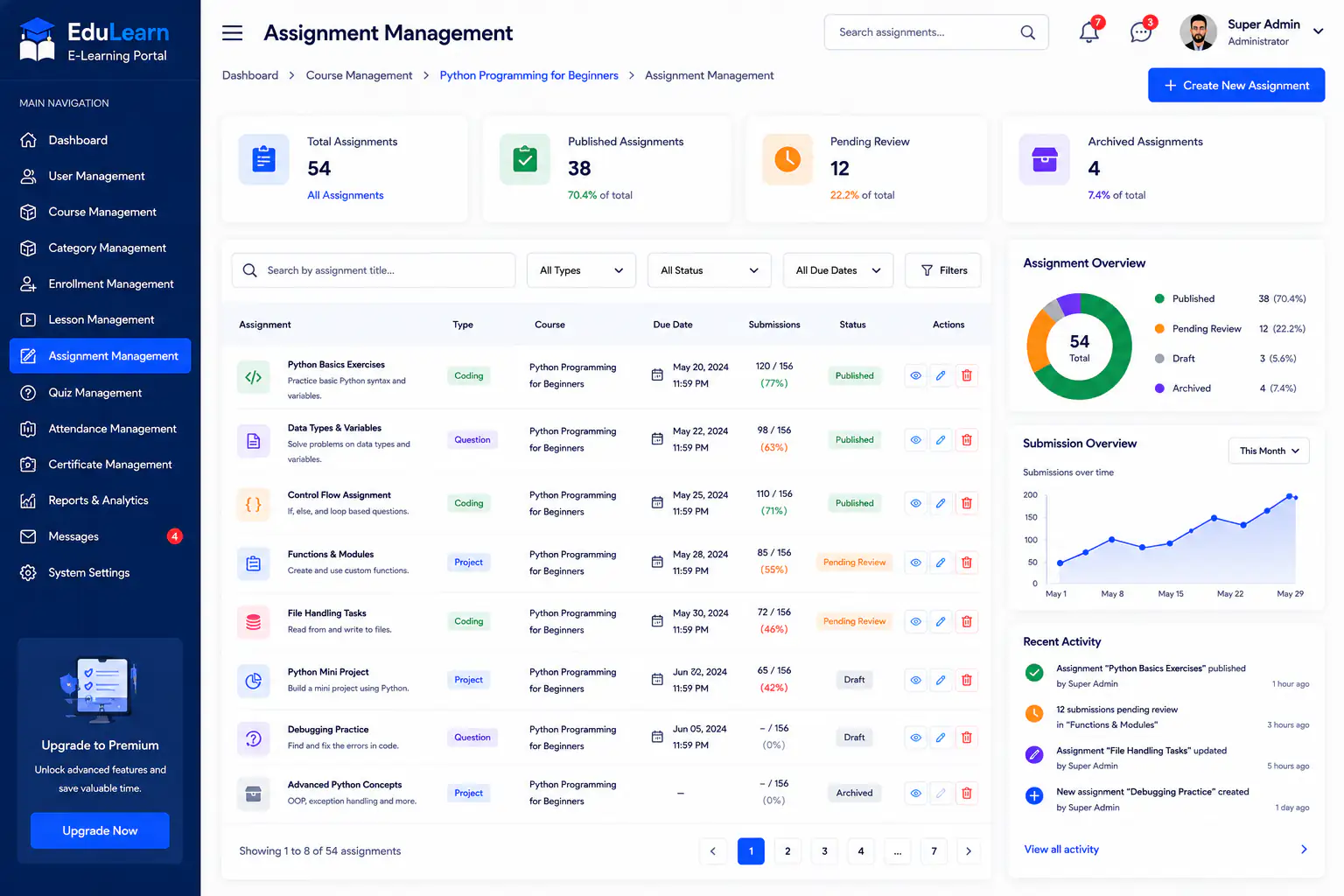
Assign coursework, collect submissions, and keep assignment progress visible.
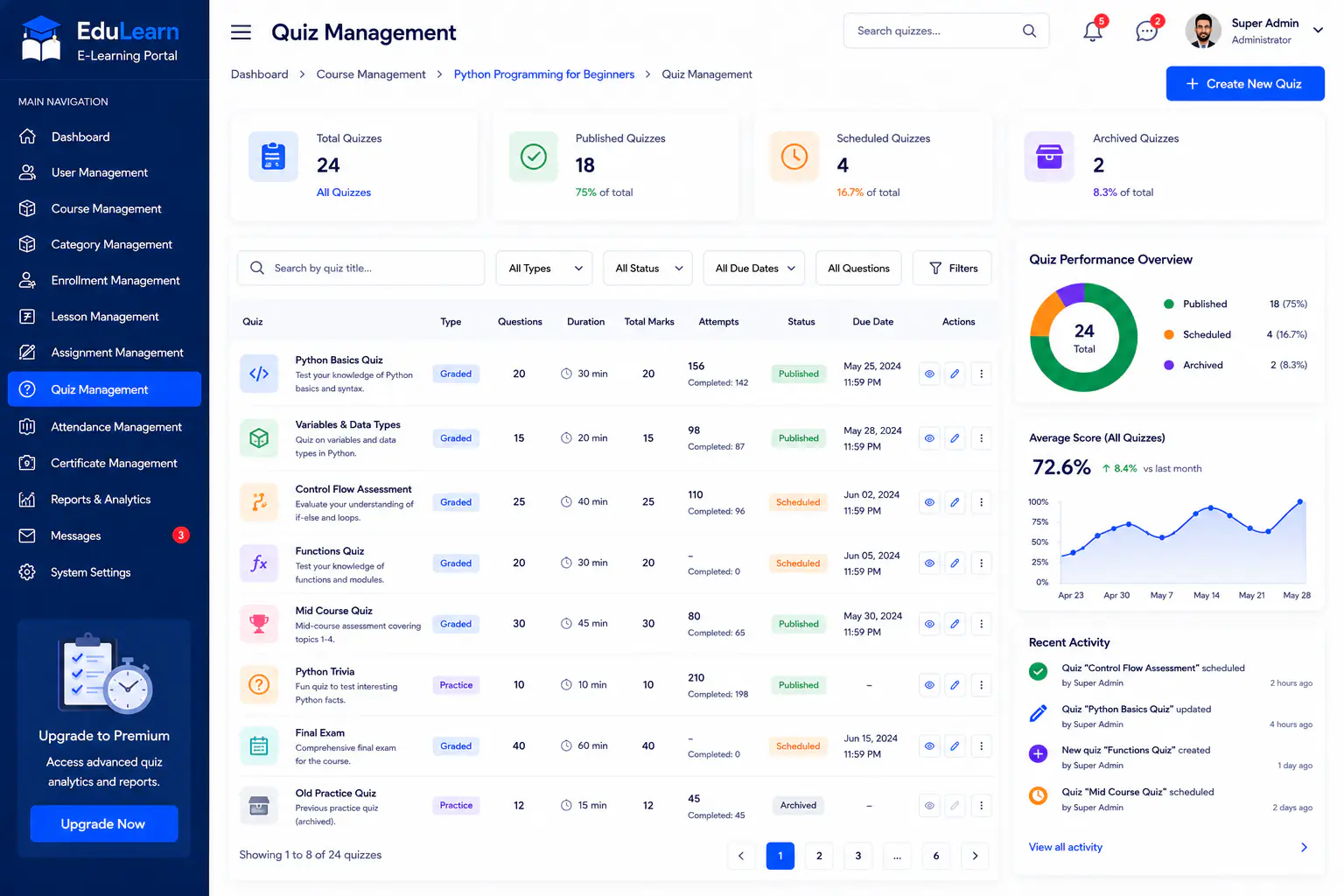
Create quizzes and assessments to measure learning outcomes across courses.
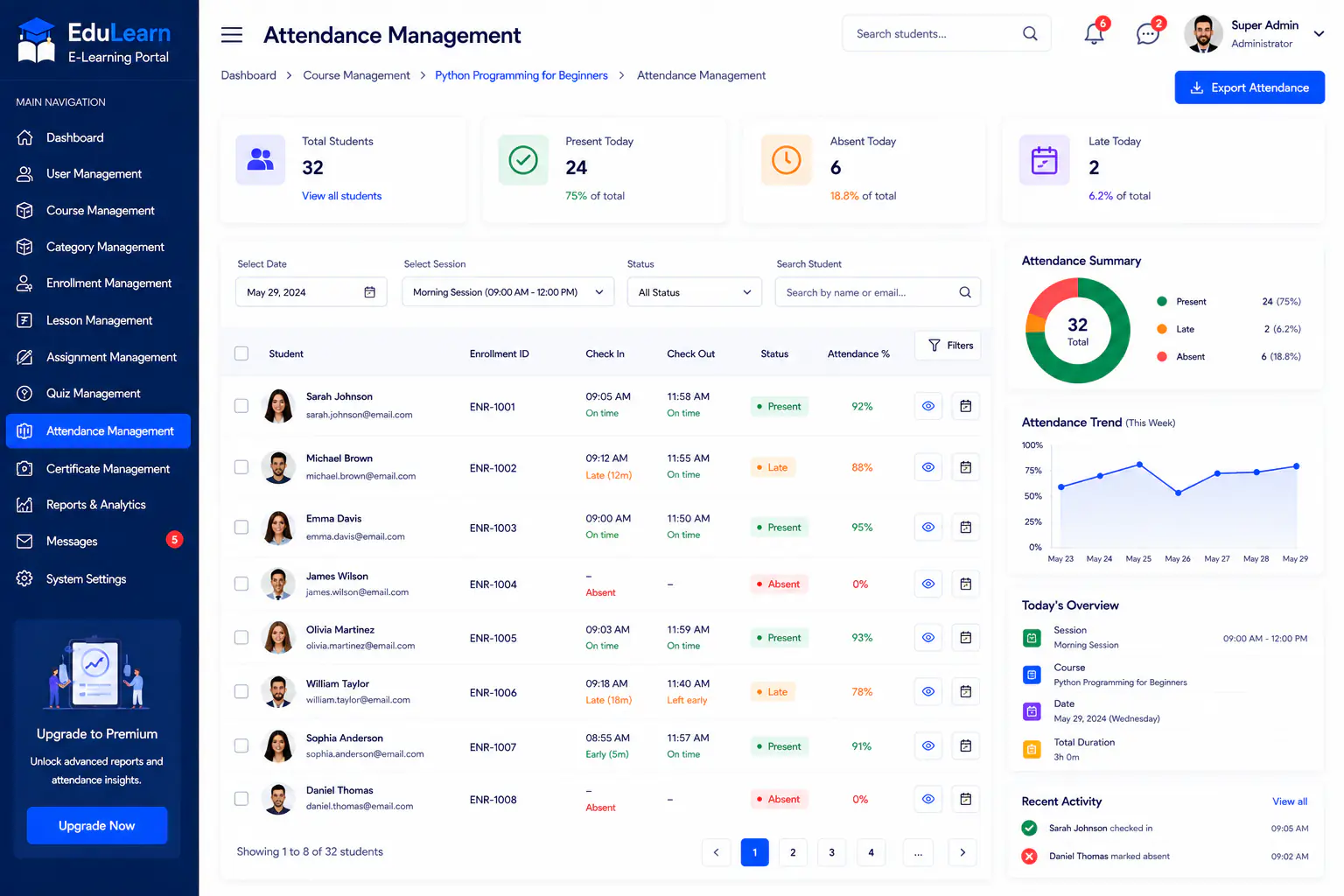
Record and review learner attendance for classes, sessions, and course activity.
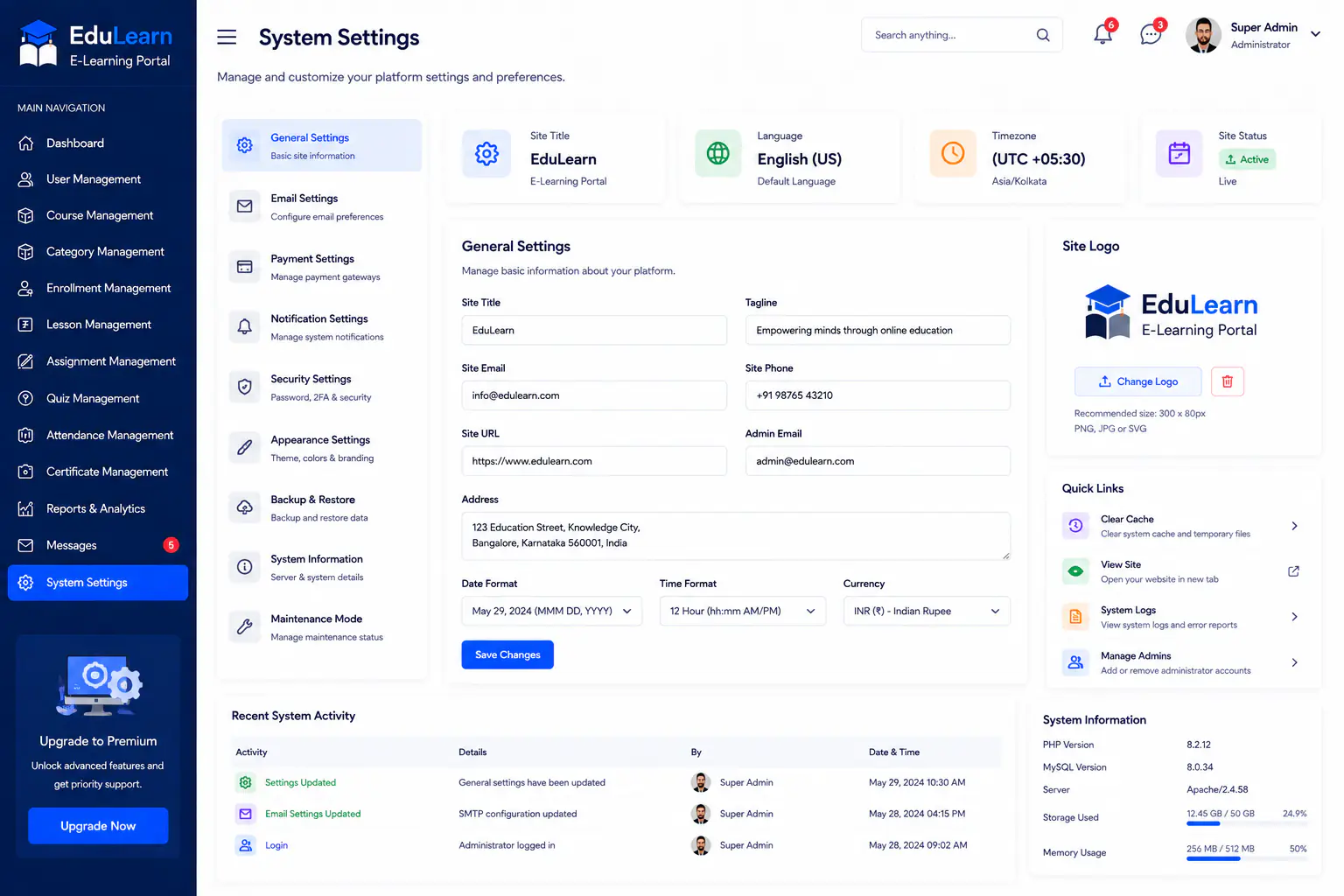
Configure EduLearn portal preferences, roles, and platform settings in one place.
Testimonial
Training finally feels operated, not improvised. Courses, enrollments, and assessments live together, and we stopped running cohorts from inboxes.
Case study FAQs
Questions about this engagement: how we scoped, sequenced, and measured outcomes for EduLearn Training Institute.
Yes. For EduLearn we connect existing media into lesson structures rather than forcing a full remake.
Learners follow enrolled courses with clear lesson and assessment paths. Admins and instructors keep operational dashboards.
This engagement focused on catalog, enrollment, lessons, assessments, and attendance. Live class tools can integrate when needed.
On the E Learning Portal project page. This case study stays on the EduLearn training operations story.
Training admins and instructors separated catalog work from delivery early so instructors never inherited full admin complexity.
Twelve weeks: catalog and enrollment visibility first, then lessons and attendance, then assessments and certificate ready status fields.
Existing media was structured into lessons. Deeper SSO or live class integrations can follow once enrollment and assessment paths are stable.
Instructors practiced launching lessons, recording attendance, and running assessments inside the course path before new cohorts went fully live.
Yes. A leaner catalog still benefits from one course record. Advanced assessment types can wait until enrollment operations are smooth.
EduLearn tracked instructor material hunt time, admin export dependency, assessment completion inside the course path, and consistency of throughput metrics.
Yes. Drive and inbox materials were structured into courses and lessons. Enrollment lists for active cohorts were loaded before assessments expanded.
Post launch we refined enrollment views, attendance rules, and certificate ready fields from the first cohorts on the new portal.
Discovery showed EduLearn pain was operational scatter, not lack of courses. That drove a course centric model before advanced assessment features.
More work
Tell Next Software Development Company about your goals. We will reply within one business day.
Get a Free Quote